
Your AI isn’t broken. Your prompt is.
I’ve sat across the table from manufacturing plant managers, construction superintendents, financial brokers, and more than one CPA who all told me some version of the same thing. “I’ve been using ChatGPT for two years and it still doesn’t get it. It’s all slop.” One of them, a CPA client, told me flat out that a 15-minute walkthrough I gave on prompt structure taught him more than two years of trial and error. By the end of that conversation, he was building real automation and personalizing agent emails that sounded like him, not a robot reading a script.
The tools aren’t the problem. GPT, Claude, Gemini, they’re all plenty capable. The problem is almost always what we feed them. A 2025 study published in Frontiers in Artificial Intelligence found that vague prompts produced hallucinations (AI making stuff up with full confidence) at a rate of 38.3%. Structured prompts cut that rate nearly in half, down to 18.1%. That’s the difference between an AI you can trust with real work and one you have to double-check line by line.
Gold In, Gold Out
Most people treat AI like a vending machine. Drop in a vague request, expect a perfect answer to drop out. “Write something about our backup service.” “Help me plan a weekend.” “Draft an email to the client.”
The AI isn’t wrong to give you something generic back. You gave it a generic ask. It filled in the blanks with its best guess, and its best guess is rarely your business, your voice, or your client’s situation.
A recent survey of nearly 300 small business owners found that even as AI adoption exploded this year (from 60% not using it at all to over 90% using at least one tool), lack of training remained one of the biggest barriers to getting real value out of it. Owners have the tools. Most just never learned how to talk to them.
Garbage in, garbage out isn’t a tech cliché. If you want gold out, you have to put gold in.
Walk Through CRAFTED
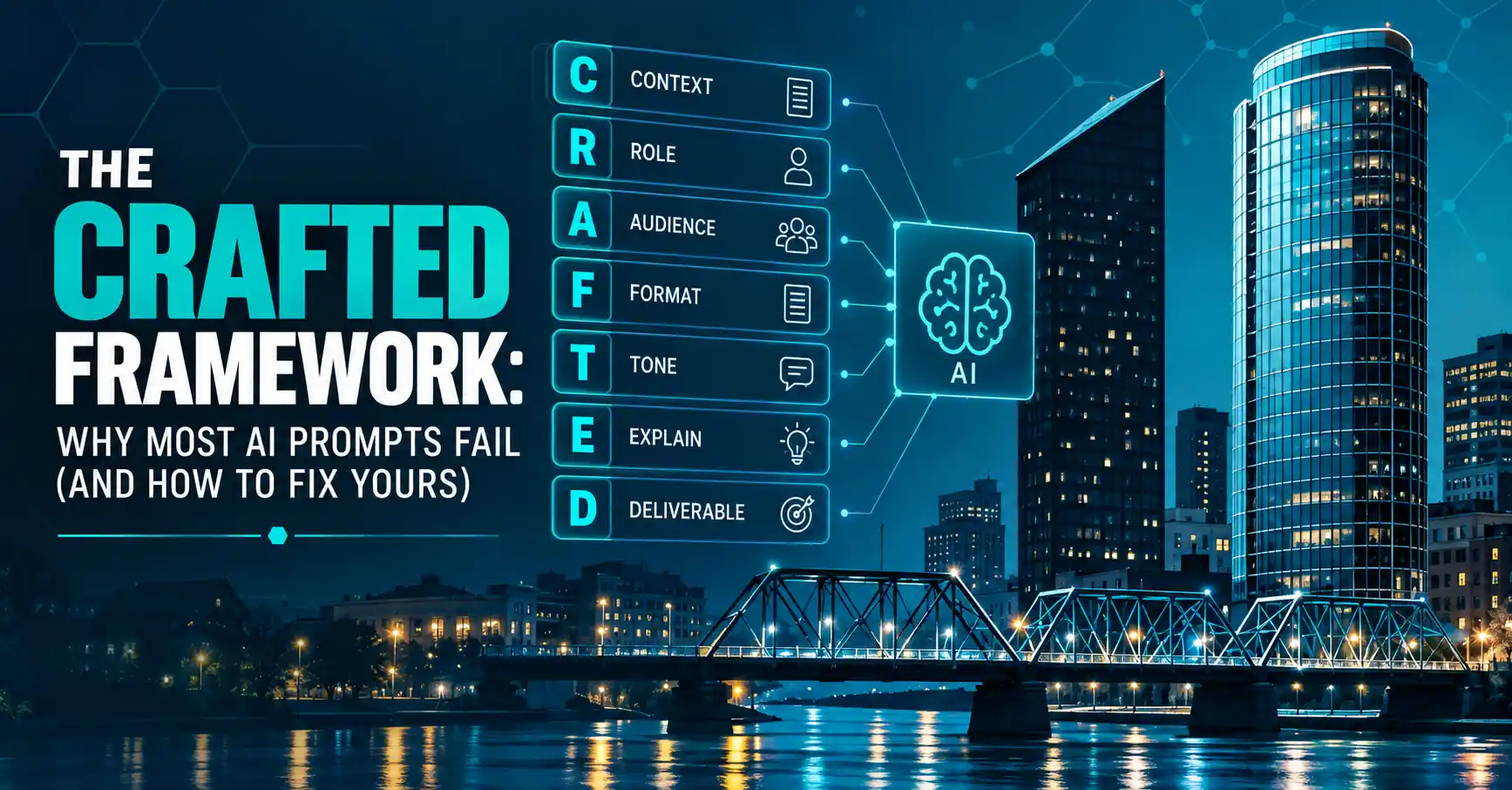
CRAFTED is the framework I teach. You don’t need all seven pieces every time, but here’s the full breakdown:
- Context – What is this for? Who’s it for? What are the limits?
- Role – What should the AI act as? Think of this as the position, a marketer, a CPA, a publisher. What should the AI handle and what will you handle yourself?
- Audience – Who’s reading or using the result, and how much do they already know?
- Format – Bullets or paragraphs? How long? What platform?
- Tone – Friendly, professional, direct, technical, or casual?
- Explain – What points, examples, or questions have to be covered?
- Deliverable – The exact task, what to include, what to avoid.
If that feels like a lot, start with just three: Context, Format, and Deliverable. Most useful prompts need nothing more. Add Role, Audience, Tone, and Explain once you’ve got the basics down and need more control.
Before and After
Here’s what I see constantly.
Prompt: “Write something about our backup service.”
That’s going to get you something generic. Technically about backups. Not useful.
Now run it through CRAFTED: “Draft a client email announcing our backup service. Write for small-business owners without a technical background. Keep it under 150 words. Include a subject line and three bullets. Use friendly, professional language. Explain what the service does, why it helps, and what the customer should do next. Avoid technical jargon.”
Same AI, same model, completely different result. Now the AI knows the audience, the format, the tone, and the exact job. The weak prompt wasn’t wrong, it just left too much for the AI to guess. The better prompt tells it exactly what success looks like.
Why This Works for SMBs
A manufacturing client was trying to compare two equipment solutions and their technical specs. His first prompt was basically “Tell me about this solution,” followed by “Tell me about this other solution.” Two separate, flat answers, no comparison, no context.
After we talked through CRAFTED together, his prompt looked like this: “You are a plant supervisor comparing Product A to Product B. You can find tech specs for Product A at this URL and Product B at this URL. Create a table with pros and cons on which product should be used on the floor. Compare cost, quality, and overall ratings. Don’t fall for marketing jargon, read real reviews, and give me the links to those reviews so I can check them myself. Your audience is the plant manager and you want to bring this to his attention. Before the table, write a skimmable recommendation. Below the table, write a technical summary in case he wants to go deeper. The final product should be a PDF using the branding colors and logo found at our website here.”
That’s Role, Context, Audience, Format, and Deliverable all working together in one prompt. He didn’t get a generic comparison. He got a document built for the exact person who had to act on it.
Manufacturing and CPA firms don’t have time to babysit a chatbot. You’re running tight margins, tighter deadlines, and you can’t afford to spend an hour fixing what AI handed you in thirty seconds. CRAFTED isn’t an extra step, it’s the fastest way to get it right the first time. The up-front minute you spend defining context and format saves you the ten minutes you’d otherwise spend re-prompting, re-explaining, and re-writing by hand anyway.
AI Isn’t a Vending Machine, It’s a Collaborator
Here’s the mindset shift I push: don’t treat the first answer as the final answer, but don’t go back to typing and hoping either. CRAFTED gets you to a usable answer a lot faster than guessing ever did. Instead of thirty minutes of re-prompting and starting over, you’re looking at one or two small tweaks and you’re done.
That’s the difference. Without CRAFTED, you’re having a long, messy back-and-forth because the AI never had enough to go on in the first place. With CRAFTED, the first answer is usually 90% there, and you’re just dialing it in. “This is too formal, make it warmer.” “You missed this requirement.” That’s not failure, that’s fine-tuning. The CPA I mentioned earlier didn’t spend his afternoon wrestling with ChatGPT. He built the prompt right the first time and made two small corrections to get it exactly where he wanted it.
Final tip: AI can help you create, but you still have to approve it. Watch for hallucinations, especially around names, dates, numbers, and anything you’d put your signature on.
If your name is on the final result, you own it. You don’t tell people “Outlook sent that email.” Same deal here.
AI helped. You decided!